Where NightScape Lab fits
These are honest comparisons. Most of these tools are good at what they do. NightScape Lab is built for one specific person: the landscape astrophotographer who wants the whole nightscape darkroom in one tool inside Photoshop. That means calibrated stacking with foreground handling, star removal and declutter, a foreground sky merge, star trails, and a Lightroom Classic round-trip, all working on a clean linear base image the whole way. Here's how it stacks up against its real peers. Haven't picked a tool yet? Start with the honest roundup of stacking software first.
Every tool below, side by side
| Capability | NightScape Lab | Starry Landscape Stacker | Sequator | RC Astro bundle | StarStaX |
|---|---|---|---|---|---|
| Price | $129 once | ~$40 once | free | $189.80 bundle | free |
| Platforms | macOS & Windows | macOS only | Windows only | macOS & Windows | macOS & Windows |
| Calibrated RAW stacking | ✓ pre-demosaic darks, kappa-sigma | stacks TIFFs you convert first | RAW in, basic calibration | ✗ | ✗ JPEG/TIFF trails |
| Foreground handling (sky + ground) | ✓ dual-stream, editable mask layer | ✓ | ✓ freeze ground | ✗ | ✗ whole-frame blend |
| Star removal / reduction | ✓ Star Removal + Declutter | ✗ | ✗ | ✓ StarX + StarShrink | ✗ |
| Foreground Sky Merge (color-reconciled) | ✓ | ✗ | ✗ | ✗ | ✗ |
| Star trails | ✓ five looks | ✗ | trails mode | ✗ | ✓ its specialty |
| Lightroom Classic round-trip | ✓ auto-import to catalog | ✗ | ✗ | ✗ | ✗ |
| Runs inside Photoshop | ✓ panel | separate app | separate app | ✓ plugins | separate app |
| One-time or subscription | one-time | one-time | free | one-time | free |
vs Starry Landscape Stacker
SLS is a mature, excellent one-click stacker for the Mac. Genuinely great for the "stack it, done, don't touch it" workflow. If that's you, it's a fine choice at about $40.
But SLS hands Photoshop a file in ROMM with a premultiplied (associated) alpha channel. In Photoshop, that breaks white balance: your color adjustments don't behave. It's concrete, verifiable, and we can demonstrate it.
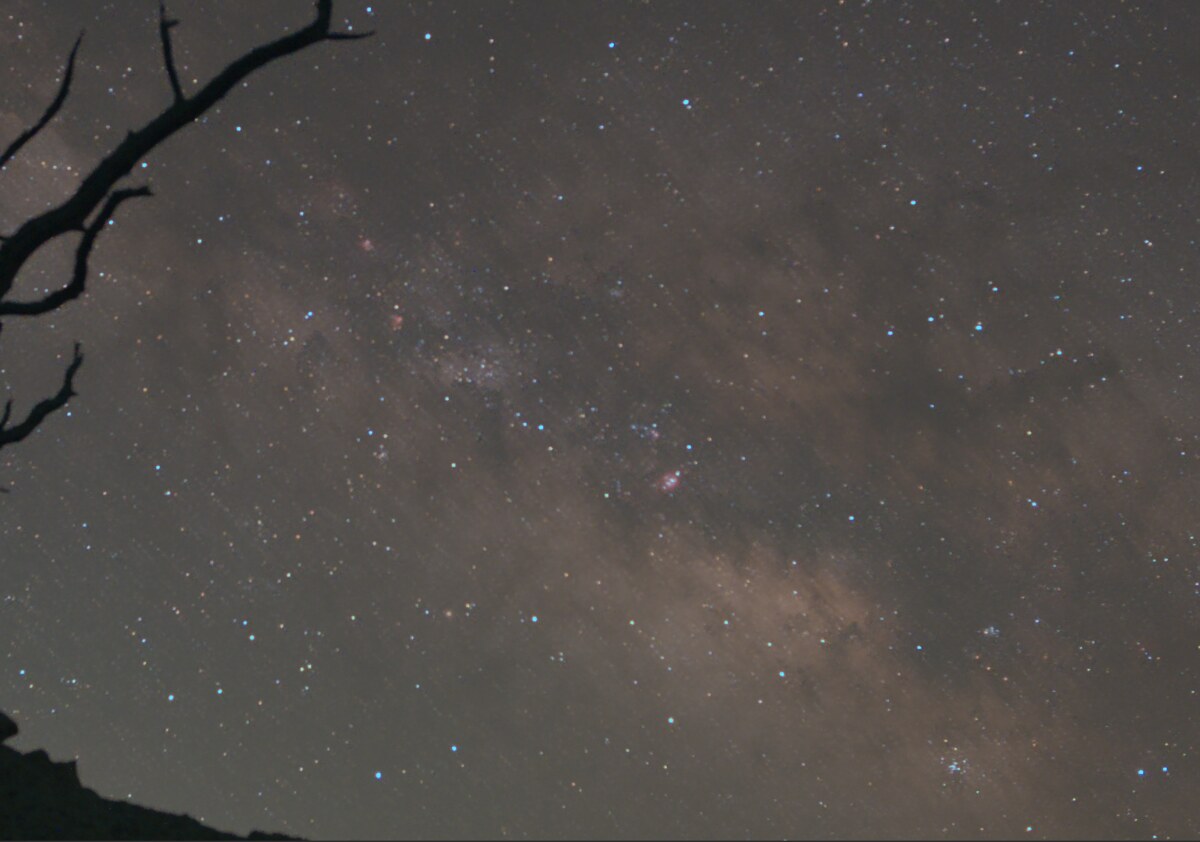
NightScape Lab delivers the stack as a clean 3-channel linear ProPhoto base image that Photoshop color-manages correctly, imported into your Lightroom catalog automatically. On the raw stacking metrics we're essentially a tie (a small edge on star tightness from one test scene), but the decisive difference is the deliverable, not "we see more."
Full SLS comparison →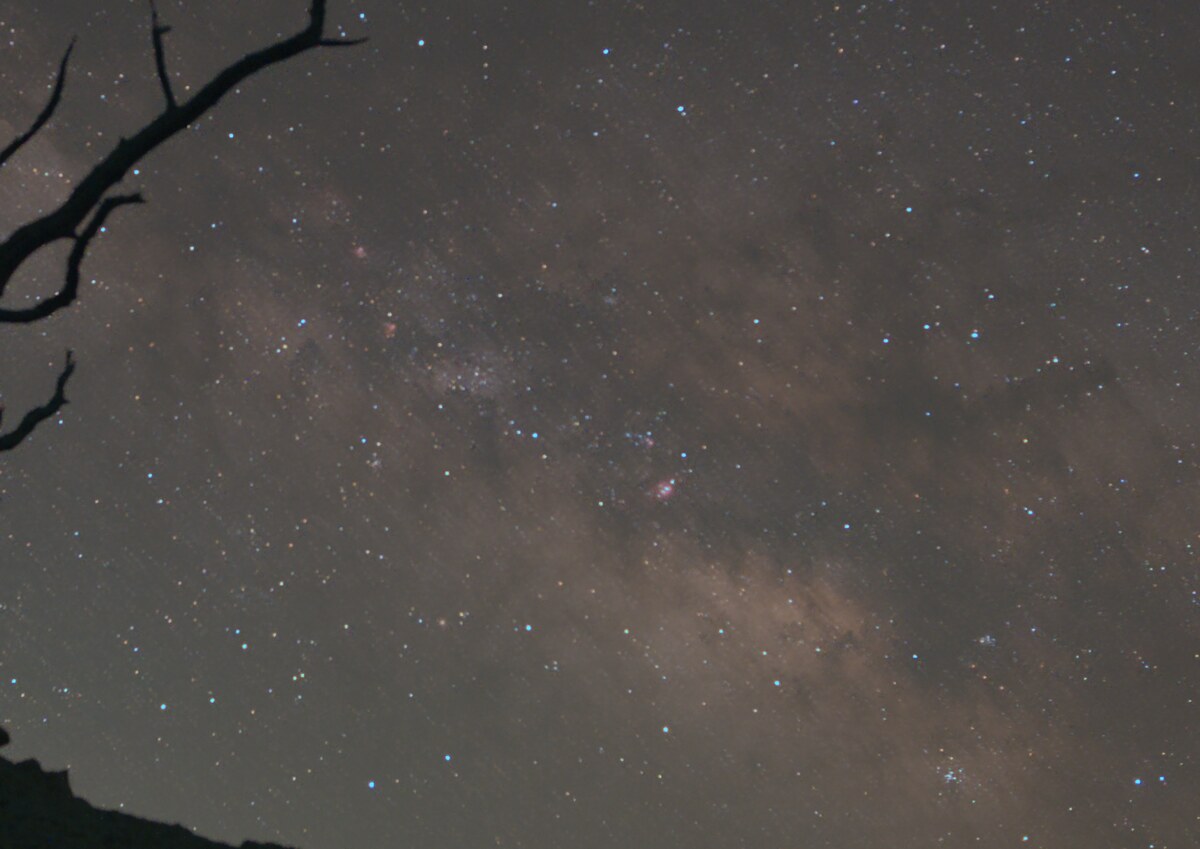
Each peer, in a paragraph
Every tool in the table above, what it's genuinely good at, and where NightScape Lab differs. Each links to a full honest comparison.
vs Sequator
Free, fast, and a great first stacker on Windows: freeze-ground compositing, sky masks, a basic trails mode. NightScape Lab adds pre-demosaic calibration, a deterministic stack, an editable sky-mask layer with a restack loop, the whole finish, and the Lightroom round-trip. And it runs on Windows too, so this is now a real choice, not a platform default.
Full comparison →vs the RC Astro bundle
Excellent single-purpose Photoshop plugins ($39.95 to $89.95 each, $189.80 for the four-plugin bundle, all perpetual). They finish; they don't stack, merge, or build trails. NightScape Lab covers the star work plus calibrated stacking, the Foreground Sky Merge, and Star Trails in one $129 tool. Their gradient removal remains a fine complement.
StarXTerminator →vs StarStaX
The free star-trails classic: gap filling, comet mode, six blend modes, fast on long sequences, from JPEG/TIFF exports. NightScape Lab builds trails RAW-native with calibration, in five looks (Solid, Comet, Meteor, Fade, Vortex) over a noise-rejected foreground, dispatched from Lightroom or right in the panel.
Full comparison →Looking for a different kind of tool? PixInsight, Siril, DeepSkyStacker, GraXpert, StarNet++, and Starry Sky Stacker solve a different problem (tracked deep-sky imaging), and Topaz is a general-purpose single-image denoiser. None of them do what this table compares, so they sit outside it. Each still gets its own honest page below.
Every comparison
All fourteen pages: the landscape-astro peers from the table, and the deep-sky tools people also ask about.
vs Starry Landscape Stacker
One-click stacker vs. stack-and-finish with a clean base image.
vs Sequator
Free Windows stacker vs. the whole darkroom, now on Windows too.
vs Starry Sky Stacker
Tracked deep-sky stacking vs. the landscape-astro darkroom.
vs StarStaX
The free trails classic vs. RAW-native trails in five looks.
vs StarXTerminator
RC Astro star removal vs. the whole workflow in one panel.
vs GradientXTerminator
Gradient-removal plugin, and how it can complement one darkroom.
vs NoiseXTerminator
AI denoise on one frame vs. real signal from many stacked frames.
vs StarShrink
Star-reduction plugin vs. Declutter with Constellation Guard.
vs Topaz
Subscription AI denoise vs. stacking real frames, buy once.
vs DeepSkyStacker
Deep-sky stacker vs. landscape-optimized dual-stream stacking.
vs Siril
Powerful free suite vs. no-learning-curve inside Photoshop.
vs PixInsight
The deep-sky powerhouse vs. a focused nightscape darkroom.
vs GraXpert
Free gradient and denoise tools vs. one integrated darkroom.
vs StarNet++
Star removal alone vs. stars plus everything around them.
One tool for the whole workflow.
The whole landscape-astrophotography darkroom inside Photoshop and Lightroom Classic. macOS & Windows.
30-day money-back guarantee. If it's not for you, email for a full refund, no questions asked.