NightScape Lab vs Starry Landscape Stacker
This is the comparison people ask about most. Starry Landscape Stacker is a mature, genuinely excellent one-click stacker for the Mac. If you want to stack and be done, it's a fine choice. NightScape Lab is for the other kind of photographer: the one who wants the whole landscape-astrophotography workflow in one tool inside Photoshop and Lightroom Classic, on a clean base image they control. It also runs on Windows, which SLS never has.
It stacks in one click
SLS has been the go-to Mac nightscape stacker for years, and it earned that reputation. It masks the sky, registers the stars, blends the foreground, and hands you a stacked result fast, with almost nothing to learn. For someone who wants a clean stack and no fuss, it does exactly that, and it does it well. We're not here to talk anyone out of it.
SLS's exported file breaks white balance in Photoshop
SLS hands Photoshop a file in ROMM with a premultiplied (associated) alpha 4th channel. Once that lands in Photoshop, white-balance and color moves stop behaving the way they should. The alpha is baked into the pixels, so your adjustments fight it. It's specific, it's verifiable, and it's the kind of thing you only notice after you've already started editing.
NightScape Lab holds the stack as a clean 3-channel 16-bit linear ProPhoto base image that Photoshop color-manages correctly. White balance, curves, your whole grade: all of it behaves, because the data is scene-linear and there's no hidden channel in the way. And it arrives as an editable Photoshop document with the AI sky mask as a real layer: paint the mask and restack until the boundary is right.
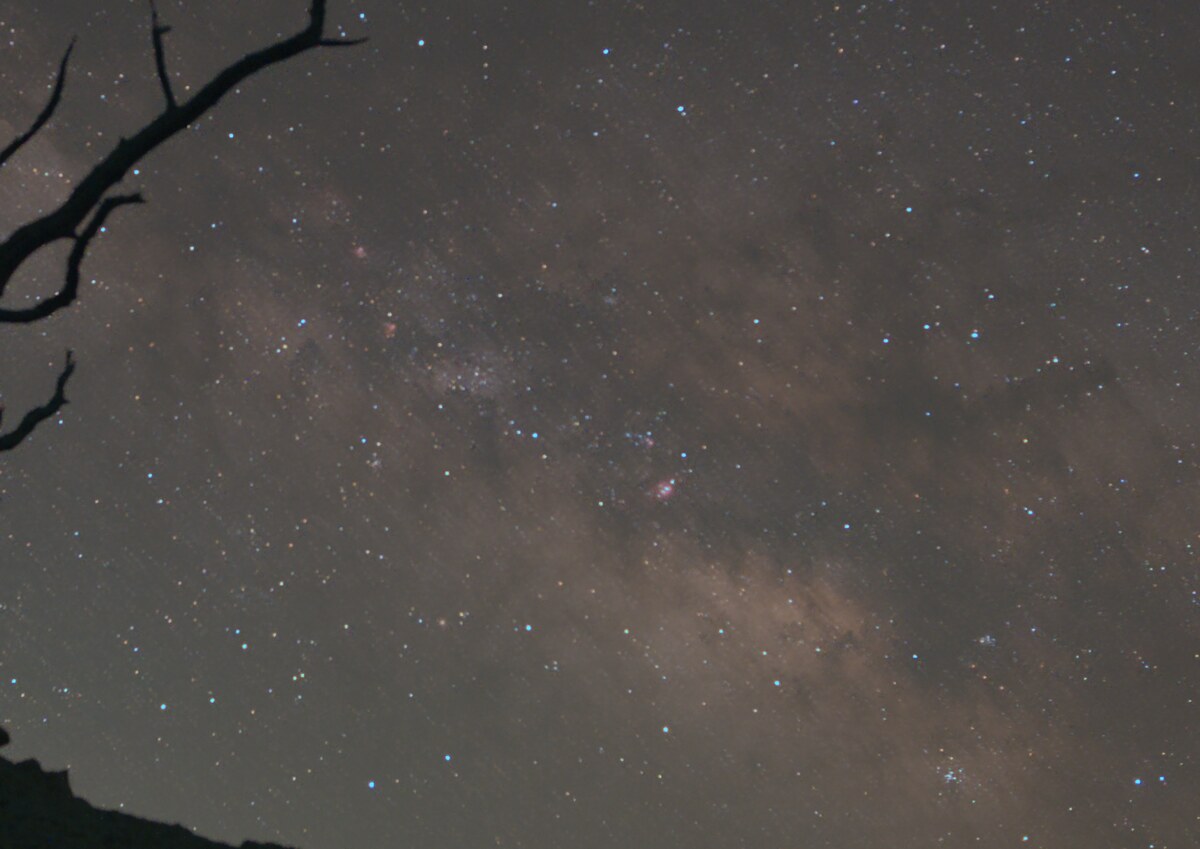
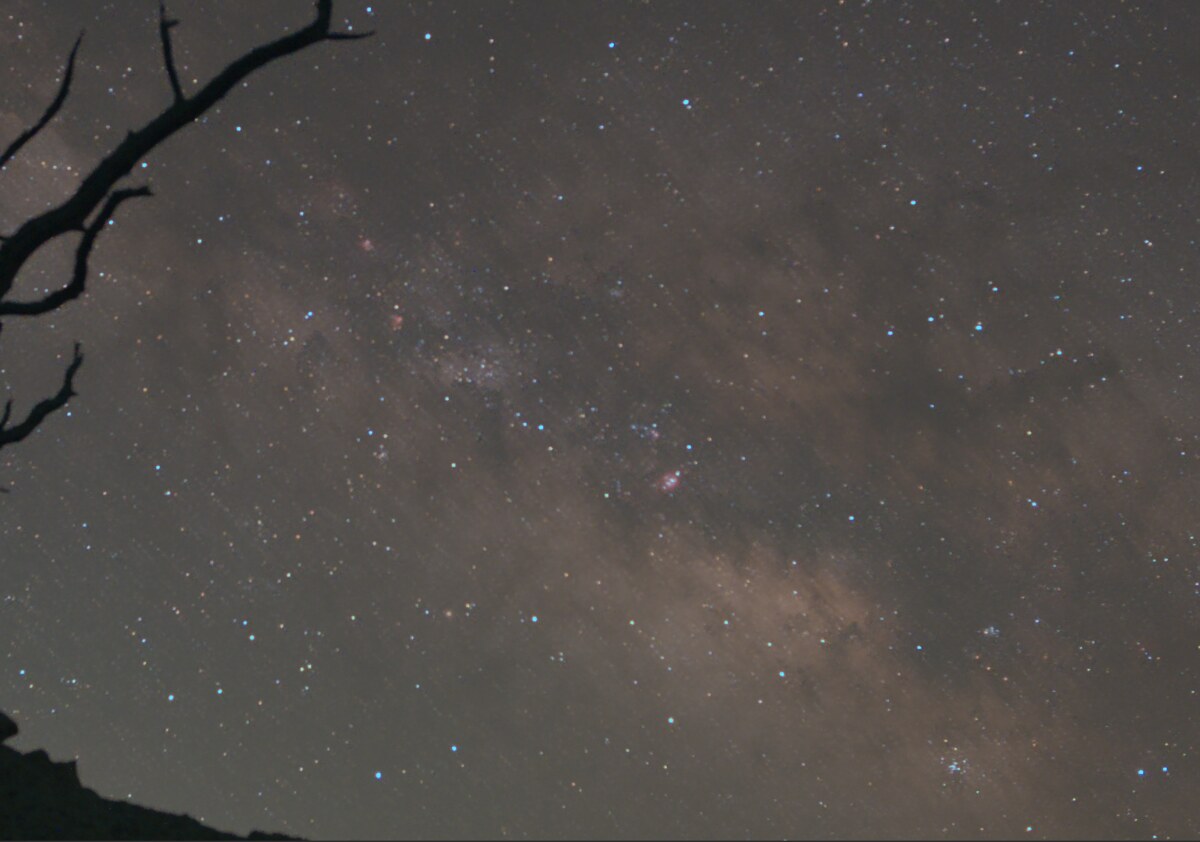
Capability comparison
| Capability | NightScape Lab | Starry Landscape Stacker |
|---|---|---|
| Landscape-optimized stacking (sharp sky + ground) | ✓ dual-stream | ✓ |
| One-click, nothing to learn | low learning curve | ✓ |
| Platforms | macOS & Windows | macOS only |
| Delivers a clean linear base image | ✓ linear ProPhoto | ROMM + premultiplied alpha |
| White balance behaves in Photoshop | ✓ | ✗ alpha breaks it |
| Finishing tools (White Balance, Defringe, star tools) | ✓ | ✗ |
| Foreground Sky Merge (color-matched) | ✓ | ✗ |
| Sky mask as an editable Photoshop layer (paint + restack) | ✓ | ✗ |
| Lightroom Classic round-trip (auto-import to catalog) | ✓ | ✗ |
| Star trails included | ✓ five looks | ✗ |
| Runs inside Photoshop | ✓ panel | separate app |
| Price | $129 once | ~$40 once |
A stack you can keep editing
- ✓The right deliverable. A clean 16-bit linear ProPhoto base image, no hidden alpha channel, so every color and tone move in Photoshop behaves.
- ✓Stack and finish. White Balance, Defringe, the star tools, and the Foreground Sky Merge all run right after the stack, on the same base image, without exporting to another app. Star Trails (five looks) come in the same purchase.
- ✓Both platforms. SLS has always been Mac-only. NightScape Lab runs on macOS and Windows, so a mixed household or a platform switch doesn't strand your workflow.
- ✓Paint the mask, restack. The AI sky mask arrives as a real Photoshop layer. Paint it black and white, click Restack with edited mask, and repeat as many times as you like.
- ✓The Lightroom round-trip. Send a night's frames from Lightroom Classic; the stacked base image saves beside your RAWs, imports into your catalog automatically, and opens in Photoshop.
- ✓Comparable stack quality, deterministic. On one matched scene we were a tie with a small edge on star tightness, and the same input produces the identical output, byte for byte.
Honest questions
Is NightScape Lab better than SLS at stacking?
On raw stacking metrics from one matched scene (10 lights + 10 darks), it was essentially a tie: a small edge on star tightness. That's one frame set and the margins are modest, so we won't claim we out-stack it universally. The real difference is what you get back: a clean linear base image you can finish in Photoshop, with the sky mask as an editable layer, not a file with a premultiplied alpha channel.
Should I switch if SLS works for me?
If you love the one-click, stack-it-and-you're-done workflow, SLS is a great tool at a great price and you don't need us. NightScape Lab is for the photographer who wants to keep going: finish the base image and run the Foreground Sky Merge inside Photoshop, with the result living in your Lightroom catalog from the moment it exists, plus star trails in the same purchase. And if you shoot on Windows, SLS was never an option; NightScape Lab is.
Can I still use both?
You can, though the file SLS exports carries the alpha issue described above, and NightScape Lab's tools are gated to its own signed base images by default (a clear override exists). It's designed so the stack and the finish live on the same clean base image from the start.
Stack it, then finish it in Photoshop.
Stacking, finishing, and star trails in one purchase, inside Photoshop and Lightroom Classic.
30-day money-back guarantee. If it's not for you, email for a full refund, no questions asked.